When a ready-made blueprint is enough, and when you need one built
A ready-made blueprint suits a workflow you could draw on one sheet of paper. A custom build suits the one where the drawing keeps needing exceptions.
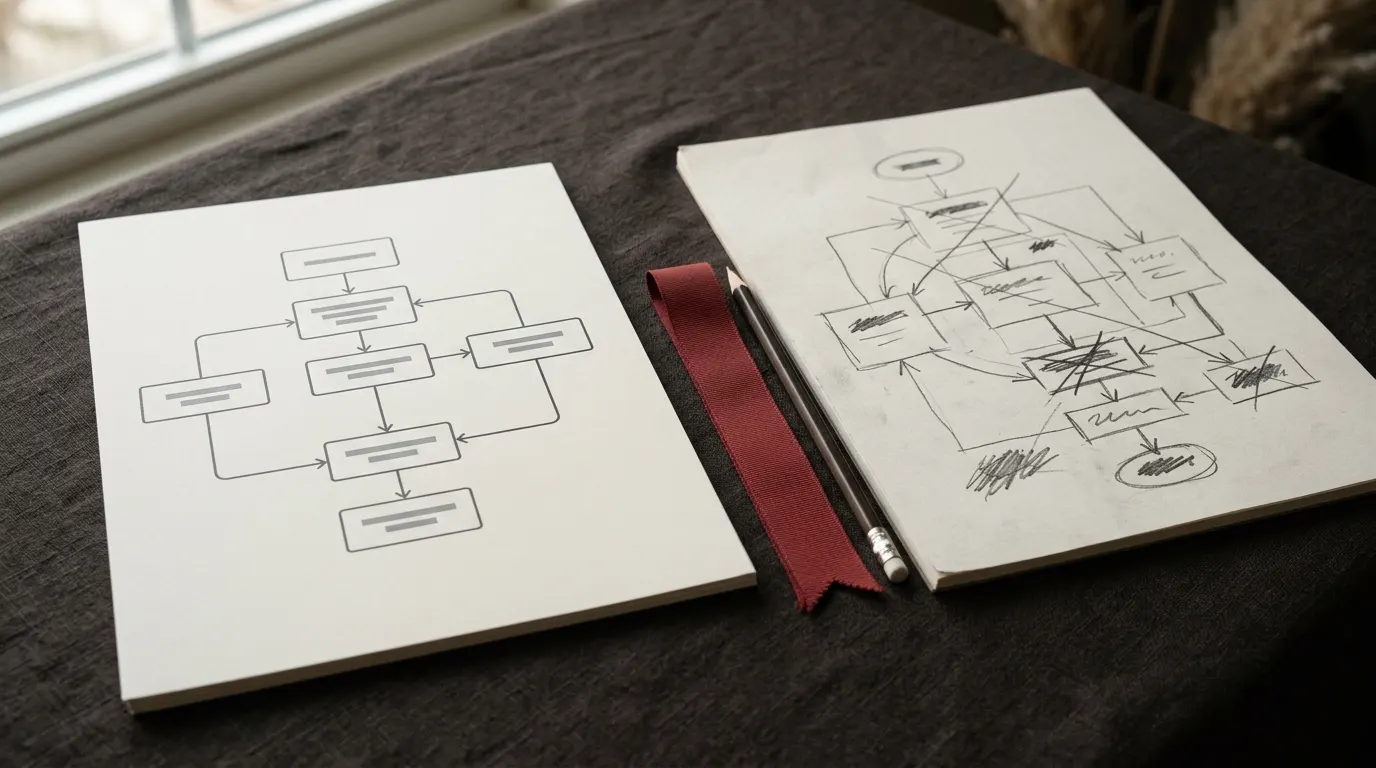
Every automation starts as something you could draw with boxes and arrows. The question worth asking before you buy or commission anything is whether that drawing fits on one sheet of paper, or whether by the third box you are already writing "it depends" beside an arrow.
If it fits on one sheet and the boxes are ordinary apps, a blueprint for it probably already exists. If the sheet fills up with exceptions before you reach the end, what you need is not a file to import. It is somebody to sit with the process and design around the parts that do not fit a template.
What you get with a blueprint
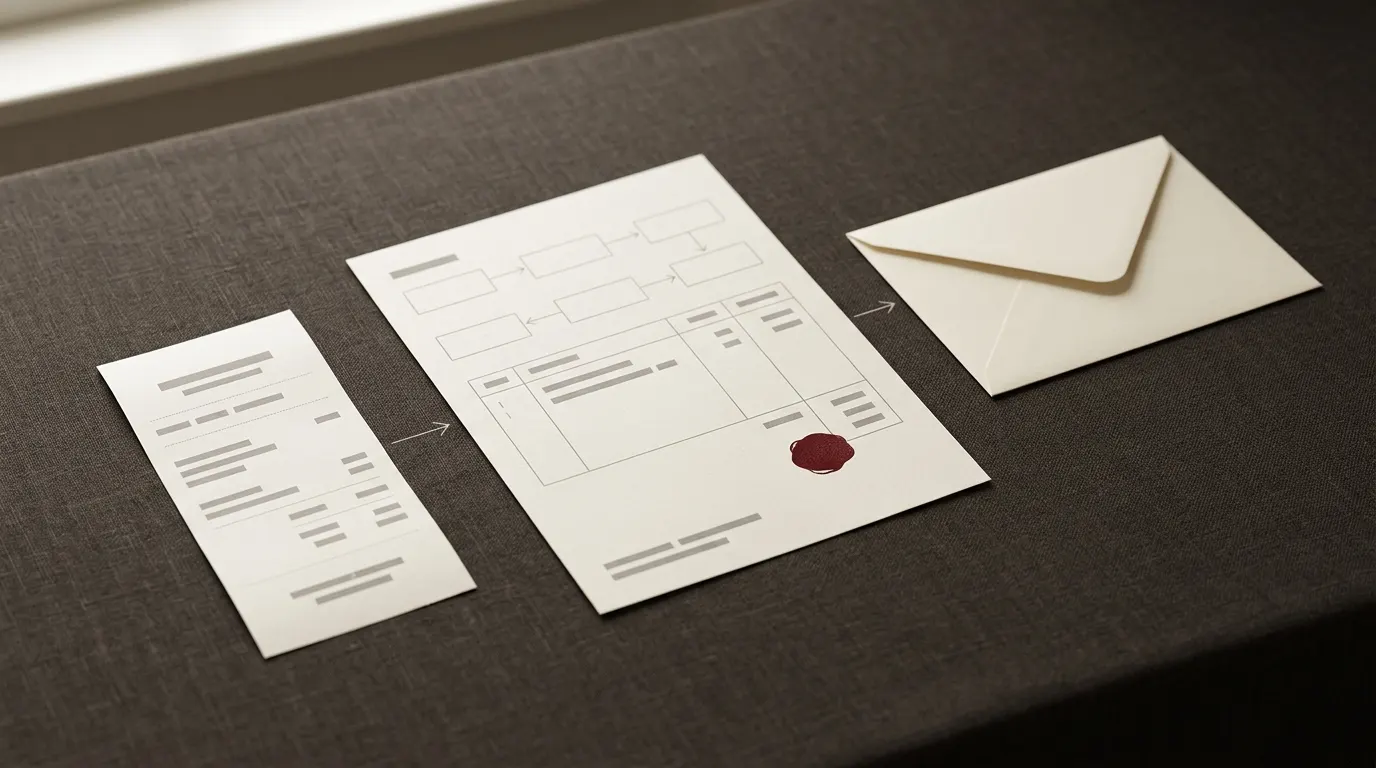
A blueprint is a finished Make.com scenario exported as a JSON file, along with a guide that walks through the modules. You import it, connect it to your own accounts, and change the field names and thresholds to match how you actually work. The building has been done. The fitting has not, and it is yours to do, which is also why it is cheap: nobody had to sit with your business first.
This suits a shape of workflow that repeats across businesses without much variation: an order gets confirmed and somebody needs an invoice raised; a delivery happens and somebody wants a review request sent a few days later; a form gets filled in and the lead needs cleaning up before it lands anywhere useful. Kettleford's catalogue covers exactly that ground, orders, reviews, leads and the invoicing that follows them, with single blueprints for order confirmation, review requests and lead capture on their own, and every product page states what you need in place before you buy.
What you get from a custom build
A custom build starts differently. You describe the process, it gets scoped and quoted by email before anyone opens Make, and then it gets built either inside your own account or handed to you afterwards with documentation. You keep the result either way, the scenarios and the documentation, but somebody has designed it around your rules rather than around the common case.
This suits workflows that carry logic nobody else has: an approval step that depends on who raised the order, pricing that changes by customer tier, a piece of in-house software with its own API that a template was never going to anticipate. It also suits a process that touches several systems that all need to agree with each other, and any workflow where nobody on your team is going to open Make again once it is running. A mistake nobody catches is a different kind of expensive than a mistake somebody notices on the first day, and that difference is usually the actual reason to pay someone to design it rather than adapt something generic.
The two routes, side by side
Neither route is the safe default. Each one is right for a different shape of problem, and most of the disagreement about which to pick disappears once you separate what each one actually delivers.
| A blueprint | A custom build | |
|---|---|---|
| What arrives | A JSON file and a setup guide | A scenario, built in your account or handed over |
| Who makes the connections | You, to your own accounts | Agreed as part of the scope |
| Fits best when | The apps are common and the shape repeats | The rules or the systems are specific to you |
| Documentation | One guide covering the file as shipped | Written around the scenario actually built |
| Changing it later | You edit the file yourself | Part of the original scope, or a new request |
| Starting point | A fixed file you can inspect before buying | A brief, scoped and quoted before work starts |
The middle path
There is a route between the two: buy the blueprint closest to what you need, run it for a few weeks, and only then talk about a custom build for the parts it does not cover.
Running the ready-made file first tells you exactly where it stops matching your business: which fields you kept changing, which step you disabled, which report you wished existed. Handed to whoever builds the custom piece, that becomes a specification written in the cheapest way there is, by using the wrong tool long enough to see precisely where it is wrong. A month of real orders or leads flowing through a blueprint tells you more about your own process than a planning meeting would, because it surfaces the exceptions you would not have thought to mention.
What a good brief contains
If a custom build is the right call, what you send by email matters more than what you say on a call. A brief worth quoting from covers the trigger, the apps involved, what should happen in the ordinary case, and what should happen when a step fails. It also states the rough volume, because a scenario built for ten orders a day fails differently to one built for a thousand, and who is going to be the person opening it in six months' time.
A builder who does not ask what should happen when a step fails is not asking enough. Failure is not the exception in an automation, it is the part of the design that decides whether an order gets billed twice or a lead gets dropped without anyone noticing, and it deserves to be discussed before a single module is placed. The same applies to who looks after it afterwards: a scenario with no owner tends to keep running quietly wrong long after the process it serves has moved on.
- The trigger: what starts it, and how often
- The apps it needs to read from and write to
- What should happen when everything goes right
- What should happen when a step fails
- The rough volume it needs to handle
- Who will look after it once it is running
What to be wary of
Two things are worth watching for on either side of this decision. The first is anyone offering a number, hours saved, revenue gained, before they have seen your process. Nobody can know that from a short call, and a quote built on a promise like that is a quote built on nothing rather than on the process it claims to describe.
The second is anyone who asks for your passwords rather than a connection you authorise yourself. Make's own connections exist precisely so you can grant access without handing over credentials, whether you are wiring up a blueprint or working with somebody on a custom scenario. If sharing a password would make the job easier, that is a reason to change how the job is being done, not a reason to share the password.
Kettleford takes custom requests by email for the workflows that do not fit the catalogue. Before you contact anyone, draw the process on one sheet of paper. If it fits, look at the blueprints first. If it does not, that drawing is the first paragraph of your brief.
Questions
Can I start with a blueprint and add a custom piece later?
Yes. Once imported, a blueprint is an ordinary Make scenario, so a custom addition can read from or write to the same spreadsheet it already uses. Running the blueprint first is usually the fastest way to find out exactly what that addition needs to do.
Will a custom build definitely cost more than a blueprint?
Almost always, because it starts with somebody's time spent scoping the process rather than a fixed file. Whether that is worth it depends on what the workflow is protecting: a process nobody on your team understands well enough to fix later usually justifies the extra step of having it designed properly.
What if I am not sure which one I need?
Try the one-sheet test first: draw the process as boxes and arrows. If you get through it without writing "it depends" anywhere, a blueprint is worth trying before anything gets scoped as custom. If you cannot get through it cleanly, that uncertainty is exactly the kind of detail worth including in a brief.