Start with one
€14.97 EUR each
One scenario, one file, a setup guide and annotated diagrams. The cheapest way to find out whether this way of working suits you.
Ready-made Make.com scenarios for orders, reviews, leads and invoicing. Import one, connect your own accounts, and the invoice, the confirmation email, the spreadsheet row and the follow-up happen without you. Every product ships with its setup written down, module by module.

Blueprint files you import straight into Make.com, so nobody rebuilds modules by hand from a screenshot.
The setup, written out step by step, with a note on every module and why it is set the way it is.
The spreadsheet a scenario reads and writes, columns already in order, for every product that uses one.
The ways each scenario breaks and what it does when it does, listed case by case rather than left for you to find.
€14.97 EUR each
One scenario, one file, a setup guide and annotated diagrams. The cheapest way to find out whether this way of working suits you.
€29.97 to €69.97 EUR
The same scenarios in growing sets, all sharing one spreadsheet. Each tier adds to the one below it rather than replacing it, so nothing is bought twice.
€119.97 to €219.97 EUR
The whole catalogue in one download. The two tiers after it hold exactly the same files, under a licence that lets you deploy them in clients' own Make.com accounts and charge for the work.
Compare everythingPrices are in euros. VAT may be added at checkout depending on where you are.
Order confirmed / Invoice raised / Customer email / Sheet log / Team notified
Order confirmed, then invoice, customer email, a row in the sheet, and a note to the team. The paperwork nobody wants to do twice.
Start with Order Confirmation Blueprint, €14.97 EURTrigger / Personalised link / Send / Follow up once / Response logged
A trigger fires, the buyer gets a review link with their own details already filled in, and the reply lands somewhere you can actually read it.
Start with Review Request Blueprint, €14.97 EURCaptured / Enriched / Written to CRM / Sequence runs / Owner notified
Capture, enrich, write to the CRM or the sheet, then follow up on a schedule until somebody replies or the sequence ends.
Start with Lead Capture Blueprint, €14.97 EURChecked against every order seen before, invoiced through Stripe, confirmed to the customer by email, logged in the sheet, and the team told only when it matters.
In Order Confirmation BlueprintA review request waits in the spreadsheet and goes out days later with the customer's details already filled in. One follow-up, only to people who have not replied.
In The NineThe lead is cleaned, checked for duplicates, written to the sheet and assigned in turn. A first follow-up goes out and stops the moment they answer.
In The LibraryRecorded, flagged to the team, and the review request queued for that order is cancelled before it embarrasses anyone.
In The LibraryOne digest of the week's orders, review replies and stale leads, instead of an alert for every event.
In The LibraryRecurring invoices raised once and chased when unpaid, and renewal reminders sent on purpose rather than by accident.
In The Complete LibraryLogged with its category normalised, so the sheet you open at year end is one you can actually use.
In The Complete LibraryTwo scenarios watch the others: one finds orders logged but never invoiced, one finds rows a scenario claimed and never finished. Both stay quiet until something is wrong.
In The LibraryThe guide explains what each module is for and why it is configured the way it is, so you can change it without guessing.
Each guide carries a table of the failures that actually happen, what causes each one, and what to change.
Every product page lists the apps a scenario touches and says where a paid Make.com tier is needed, under a heading called What you need before you buy.
Each tier holds the one below it. The single blueprints are the same files, byte for byte, as their scenarios in the library.
Where a scenario reads a spreadsheet, the template ships with the columns in the right order, so the schema is not something you decode from prose.
Any scenario that could invoice or email the same person twice checks a data store first, and the guide has you watch it refuse before anything goes live.
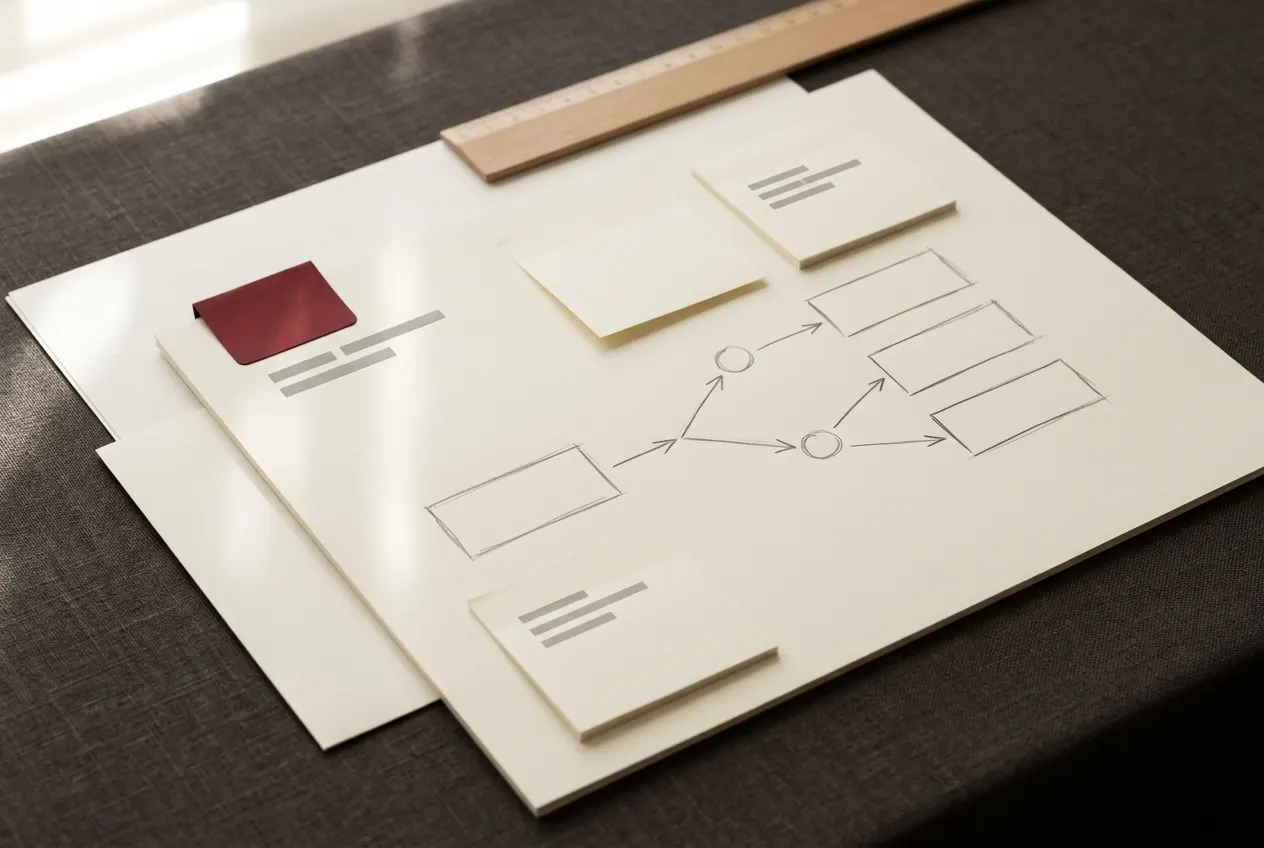
Not every workflow is a common shape. If yours has an approval step, a pricing rule, or a system with its own API, describe it and you get a straight answer: either a product already covers it, or a written quote to build it.
Custom work is scoped and quoted before anything starts, built in your own Make.com account with connections you authorise yourself, and documented the same way the products are, so you can run it without us afterwards.
Fourteen days, no reason required, back to the card you paid with. If a blueprint will not import or a documented step does not work, tell us first and we fix it. If we cannot, you get the refund whether or not the fourteen days have passed.
The full policy is on its own page and reproduced in full on every product page above the buy button.
Kettleford is a trading name. The seller is Yazie Henok Alemseged, a sole proprietor in Washington, United States. Name, telephone and both mailboxes are on the business information page, and the same person answers all of them.
Payment is taken at a hosted checkout and processed by Stripe. No card details are entered on this website.
The ones that arrive by email most often. If yours is not here, hello@kettleford.com gets a reply within one US business day, Monday to Friday.
A little. You should have opened it once and know what a scenario and a module are. The import itself is four clicks and the guide walks through them. Connecting your own accounts is where the guide spends most of its pages, one module at a time.
Usually, if it can send a webhook or Make has a module for it. The scenarios are built around ordinary parts: a webhook in, Google Sheets, a mailbox, Stripe, Slack. Each product page lists exactly which apps a scenario touches. If yours is not there, ask before buying. It is a faster answer than a refund.
Once. This is not a subscription, nothing renews, and no further amount is ever taken from your card by us. The Vault includes twelve months of updates, and when that window ends nothing is charged and nothing is taken away.
A useful subset will. Webhook-triggered scenarios only spend operations when something arrives; the scheduled ones wake up whether or not there is work to do. The library's guide has a costs page with a worked example, and there is an article here on counting operations before you switch anything on.
Tell us first. A common cause is a module version Make has changed since the blueprint was built, and the guide covers the fix: delete that one module, add it again from the app list, and re-map its fields. If we cannot get it working, you get a refund whether or not the 14 days have passed.
The standard licence covers one business, yours, across as many Make.com accounts as it owns. Deploying in a client's own account needs one of the two client tiers: five clients, or the Agency Licence for up to 25. Both hold the same files as The Vault; what you are buying is the right to deploy them.
Describe it on the custom automation page. You get a reply within one business day: either a product already covers it, or questions followed by a written quote. Nothing is charged until you accept a quote, and nothing is ever charged on this website.
One person: Yazie Henok Alemseged, trading as Kettleford from Washington. There is no company behind the name, no support team, and no pretending otherwise. The business information page has every detail a buyer could want, including the telephone number.

A scenario that has run cleanly for months will eventually meet a duplicate webhook, a timed-out app, or a column someone moved. This is what handling that looks like, section by section, and where it belongs.

Make.com charges by the operation, not by the scenario, and a schedule that wakes up every fifteen minutes can spend more than the work it was built to do. Here is how to count before you switch anything on.
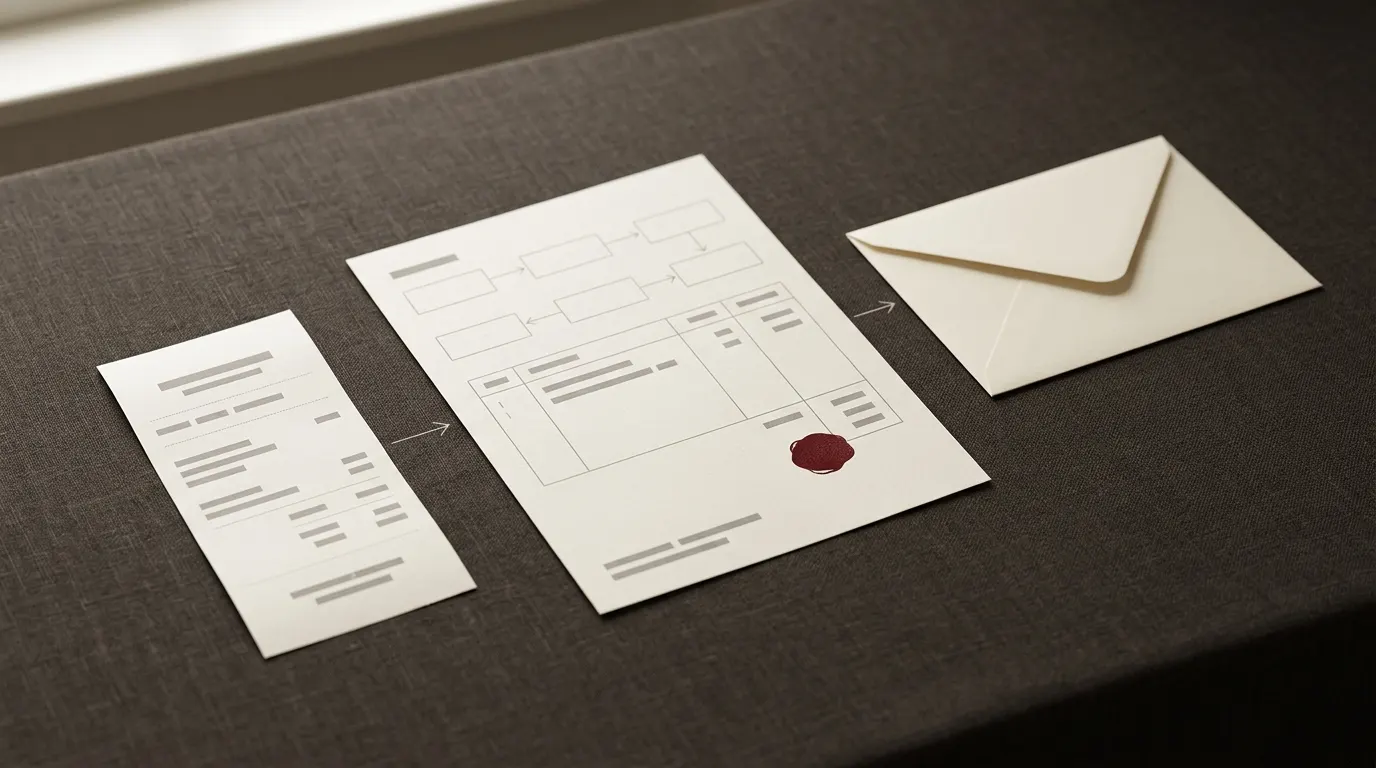
Order confirmed to invoice sent is the automation almost every small shop rebuilds eventually. Here is what each module does, in the order it runs, and why that order matters.
The cheapest way to find out whether this way of working suits you is a single blueprint at €14.97 EUR. Everything above it contains it, so nothing is bought twice.
One email when something is released, and occasional notes like the ones above. No sequence, and unsubscribing works immediately.